CABIN CREW · EMERGENCY EQUIPMENT
A320 Cabin Safety
Learn where every piece of emergency equipment is stowed in the A320 cabin, then test yourself with a quiz and a drag-and-drop exam.
v1.0 · Android 7.0+ tablet or phone · Windows 10 / 11 PC (64-bit)
FEATURES
Learn it, practise it, prove it
A real A320 cabin
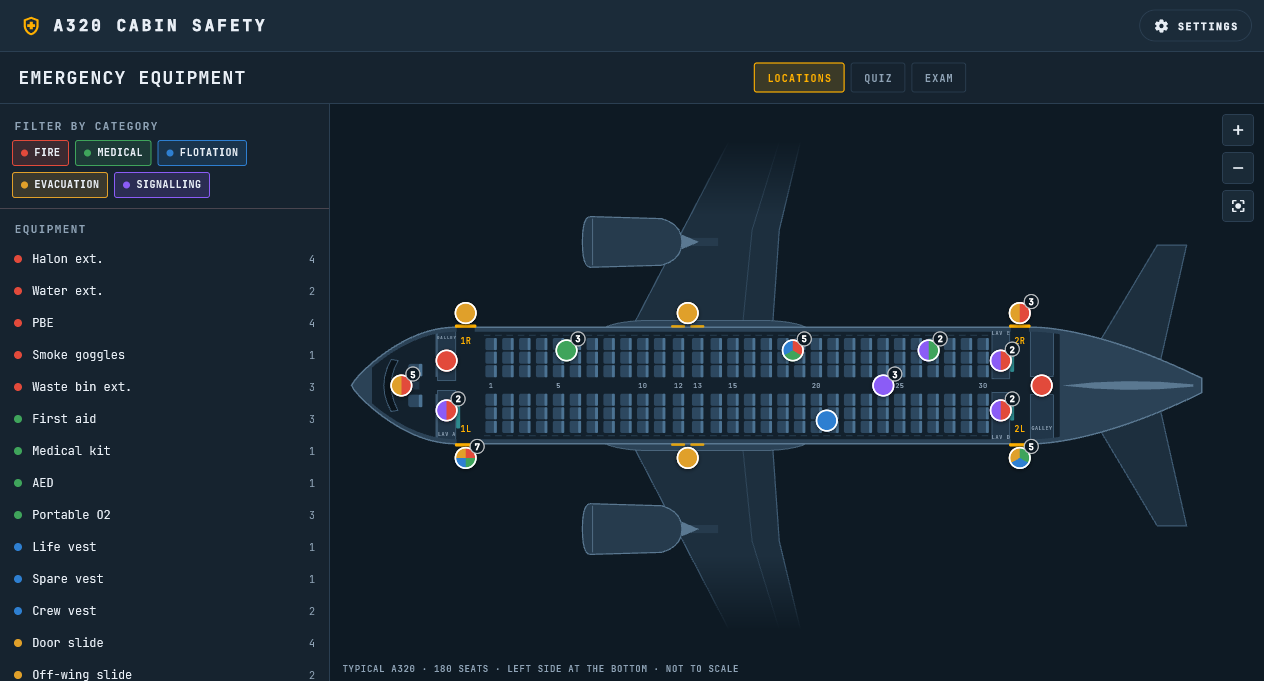
A top view drawn from the Airbus A320 Aircraft Characteristics: doors 1L/1R and 2L/2R, four overwing exits, 180 seats, two galleys, three lavatories and the five attendant seats in their Airbus positions.
45 items of emergency equipment
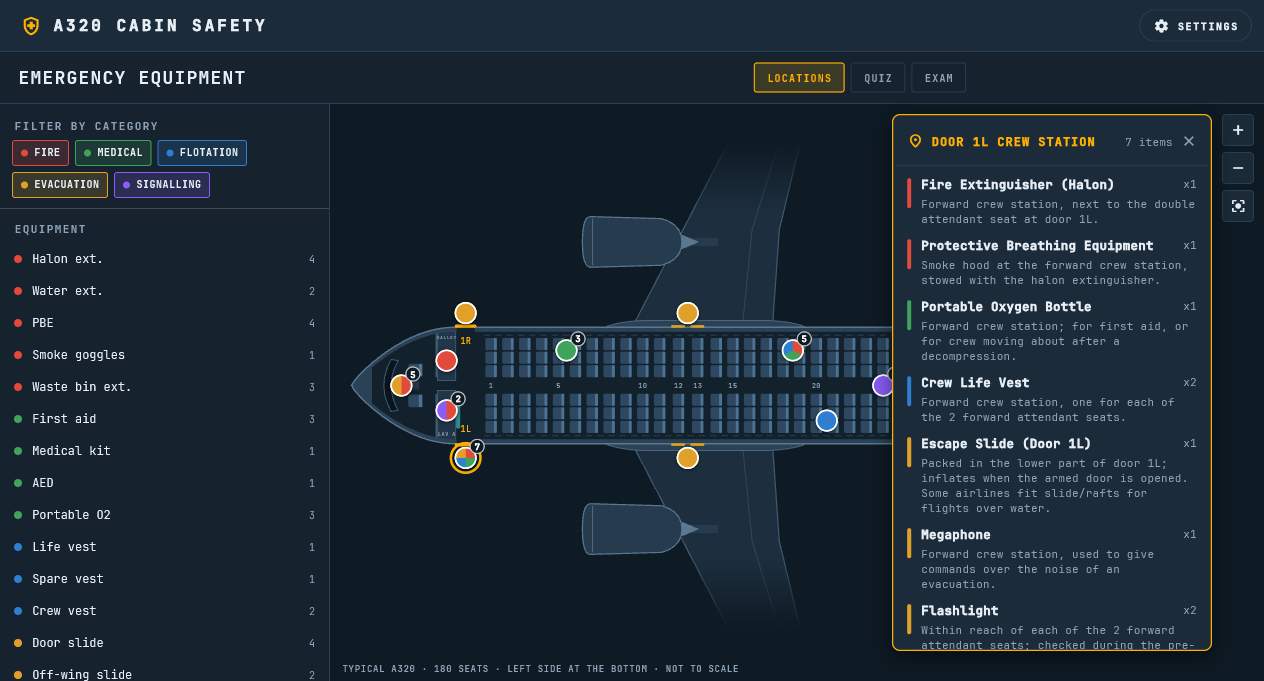
Fire, medical, flotation, evacuation and signalling equipment, from the halon extinguishers and smoke hoods to the slides, megaphones, flashlights and ELT. Tap a location to see everything stowed there.
Filter and highlight
Show one category at a time, or tap an item to make every place that holds it light up on the chart. Zoom in with two fingers or the zoom keys.
QUIZ for practice
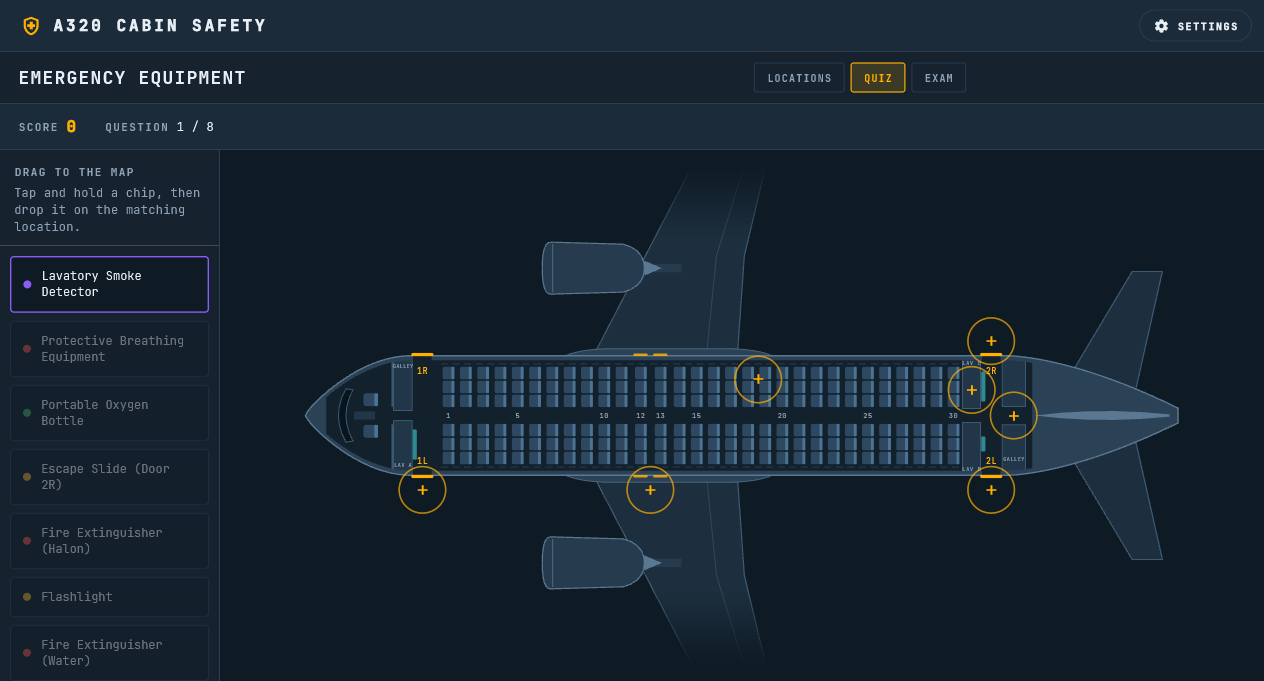
Eight random items, one at a time: drag each one to where it is stowed and see right or wrong straight away. Points for the first and second try.
EXAM with a score at the end
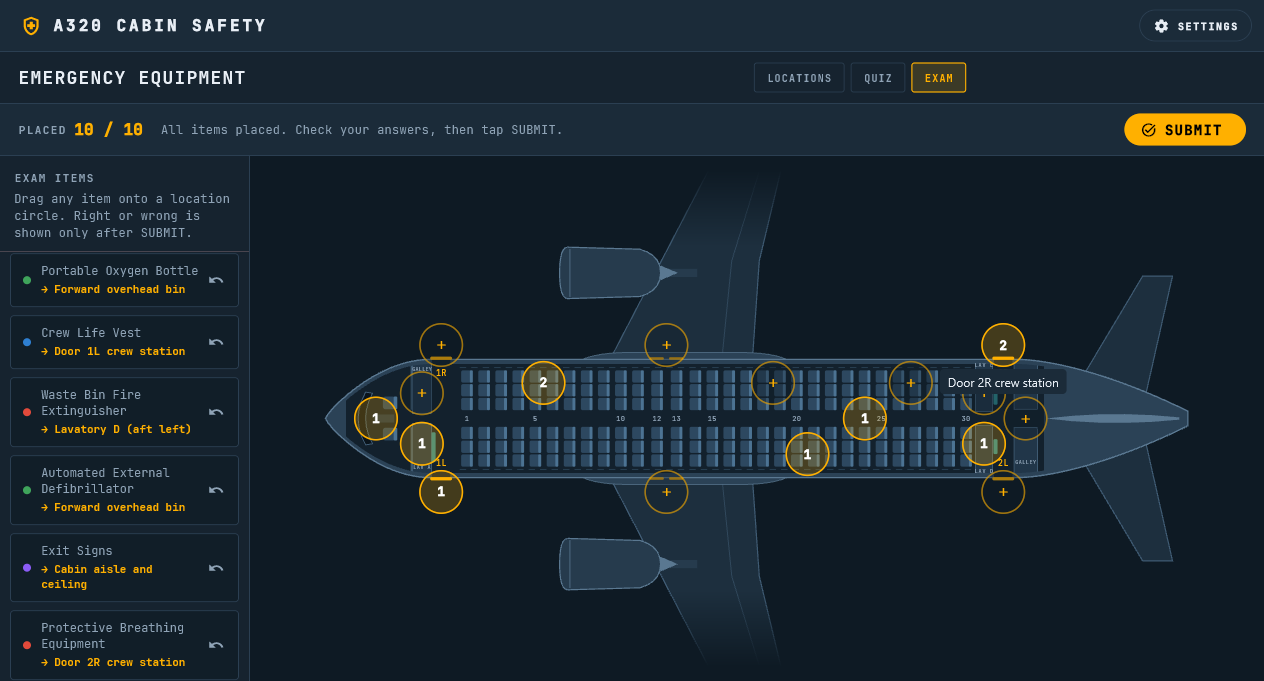
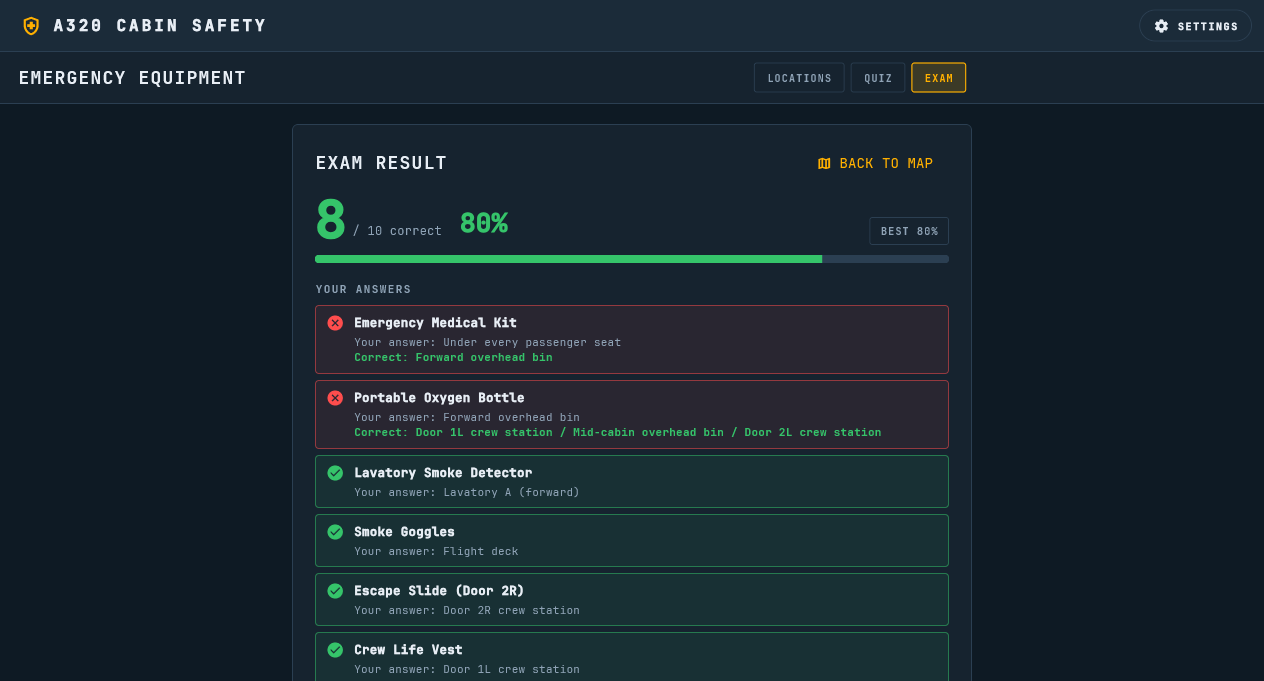
Ten shuffled items, placed in any order on any of the 17 locations, with no hints. After SUBMIT: the score, the percentage and every answer with the correct place.
License code, offline use, automatic updates
Activate once with a license code (SAFETY-xxxxxxxx, one device at a time); after that everything works offline. When online, the app checks for a new version at start and installs it in place.
DOCUMENTS
Manual, instructor guide and sources
User Manual (PDF)
Installing on Android and Windows, the license code, the LOCATIONS chart, the QUIZ, the EXAM and its result, SETTINGS and updates, and troubleshooting.
Instructor Guide (PDF)
Classroom set-up and license codes, how to read the chart, a 45-minute lesson plan, discussion points by category, QUIZ and EXAM scoring, the full answer key and a printable assessment checklist.
Equipment Sources & A320 Conformance (PDF)
Where every item on the chart comes from: the Airbus A320 Aircraft Characteristics, the FAA and EASA rules, and what is typical airline practice.
SCREENS
A closer look
Android APK · v1.0
DOWNLOAD
Scan to install on your device
- 1Scan the QR code with the tablet or phone (or tap DOWNLOAD APK).
- 2Open the downloaded file. If Android asks, allow "Install unknown apps" for your browser.
- 3Tap Install, open A320 Cabin Safety and enter your license code (SAFETY-xxxxxxxx; internet needed once).
- 4Open LOCATIONS to learn, then QUIZ and EXAM to test yourself.
WINDOWS
Install on a Windows PC
- 1Download the Setup file and run it.
- 2If Windows SmartScreen appears, choose "More info" then "Run anyway" (the installer is not code-signed).
- 3Open A320 Cabin Safety from the Start menu or the desktop and enter your license code.
IMPORTANT NOTICE & DISCLAIMER
This software (A320 Cabin Safety) is developed by Overdrive Interactive for academic, familiarization, and educational training purposes only.
- 1.NOT AN APPROVED TRAINING DEVICE: A320 Cabin Safety is not approved by Airbus, FAA, EASA, CAAP or any civil aviation authority and is not part of any aircraft or airline system.
- 2.NO AFFILIATION: "A320" and related aircraft trademarks belong to Airbus. Overdrive Interactive is an independent entity with no official endorsement or affiliation with Airbus or any airline.
- 3.TYPICAL LAYOUT ONLY: The chart shows a typical A320 single-class cabin of 180 seats. The kind, number and stowage of emergency equipment differ between airlines and aircraft; the airline's approved manuals and on-board equipment chart always take precedence.
- 4.LICENSE: A320 Cabin Safety needs a license code (SAFETY-xxxxxxxx). Activation needs an internet connection once; each code works on one device at a time.